Afterlogic web client
Afterlogic WebMail is available at afterlogic.servermx.com. It also supports right-to-left languages, such as Arabic, Hebrew and Persian.
No configuration is needed: sign in with your email address and password. You can choose the language with the flag at the top right.

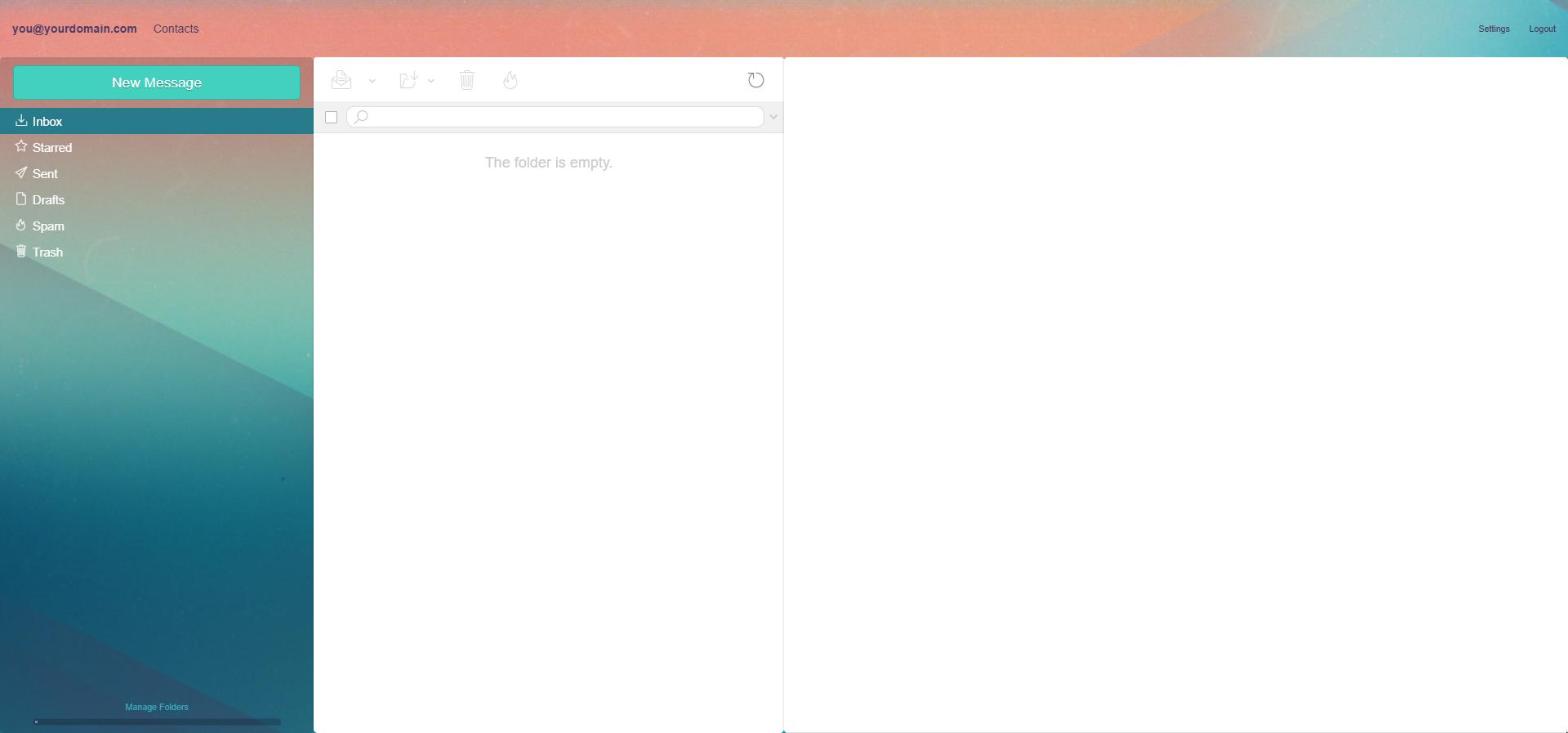
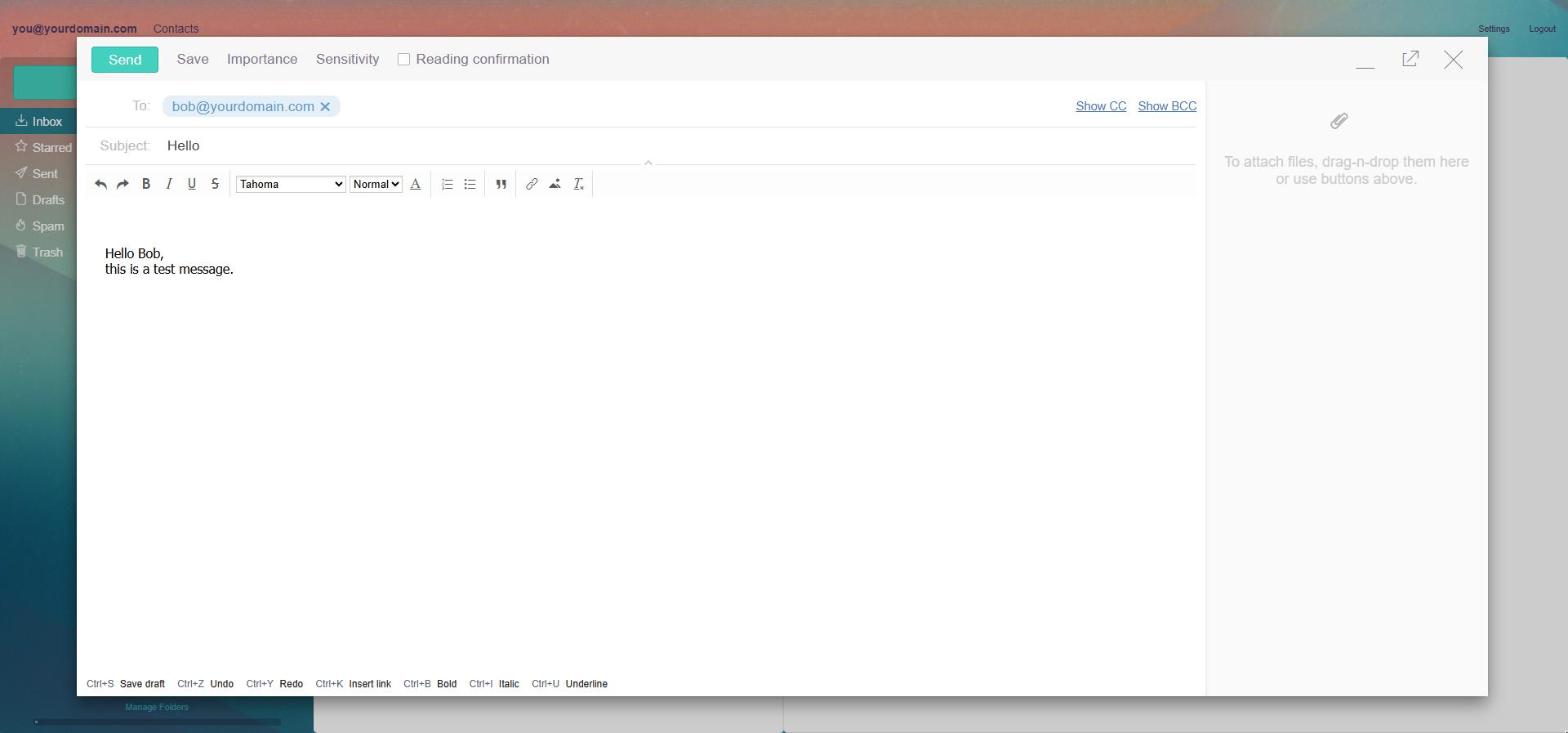
After login you see your folders and messages. Click New Message to write an email.
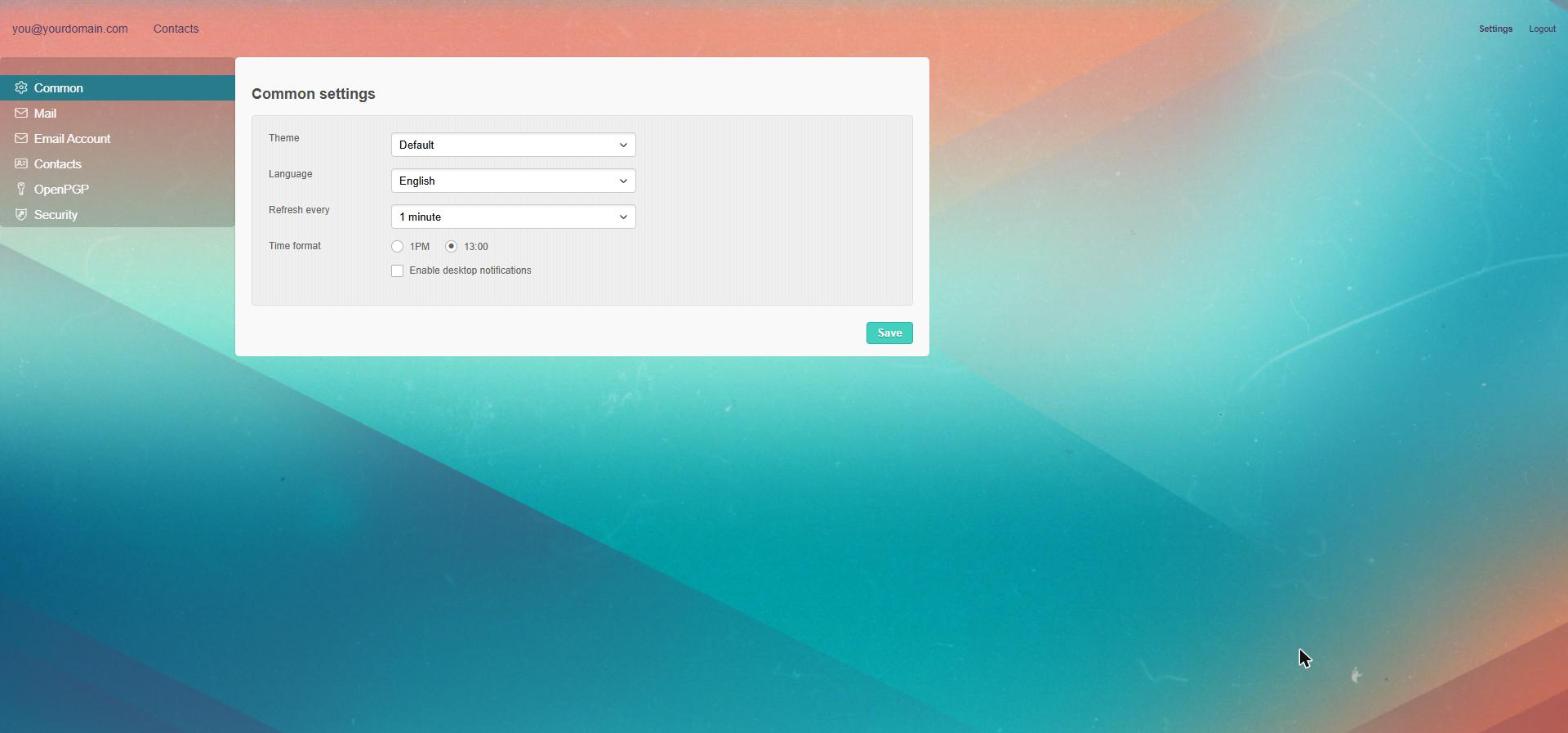
Language: click Settings at the top right, then Common. Choose the Language and click Save.
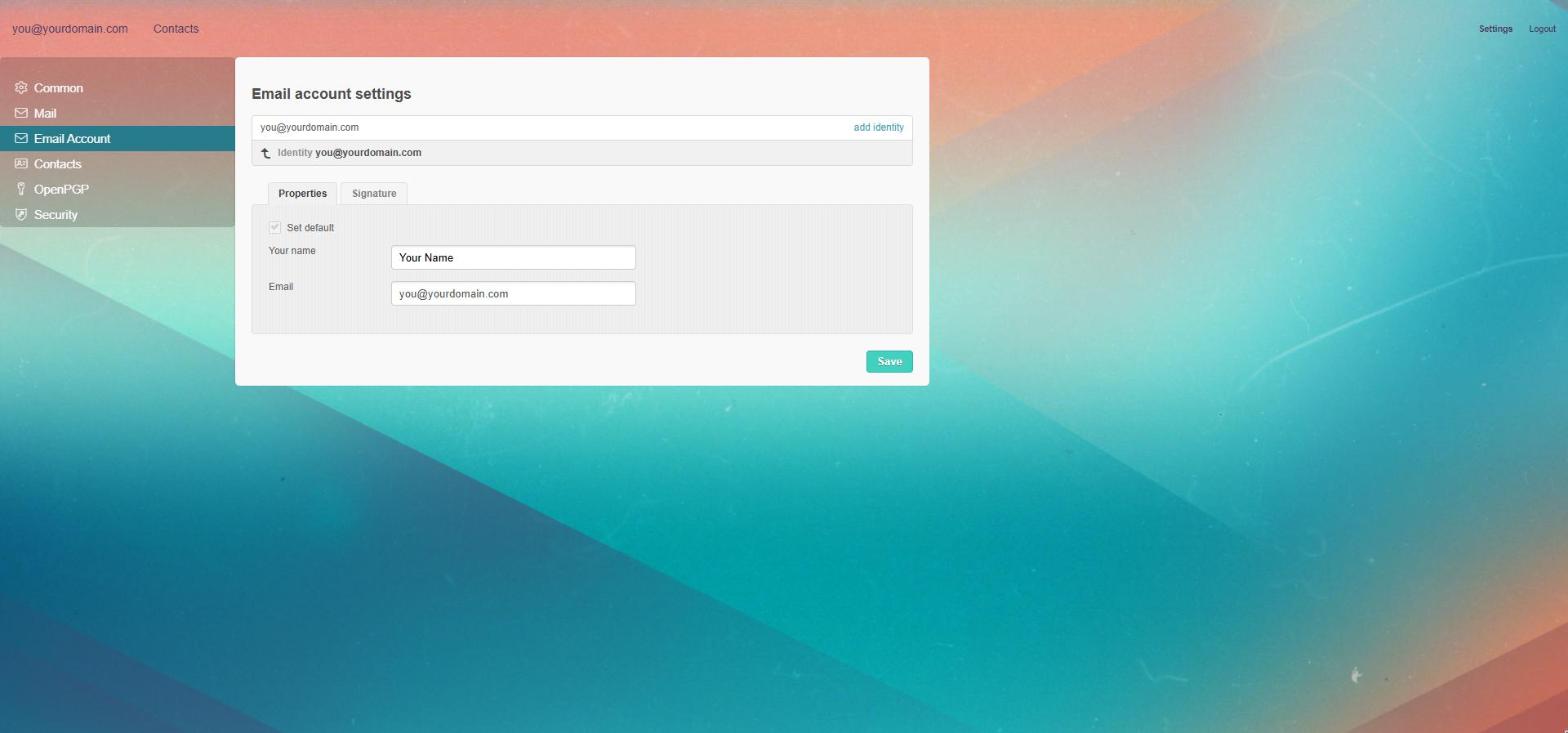
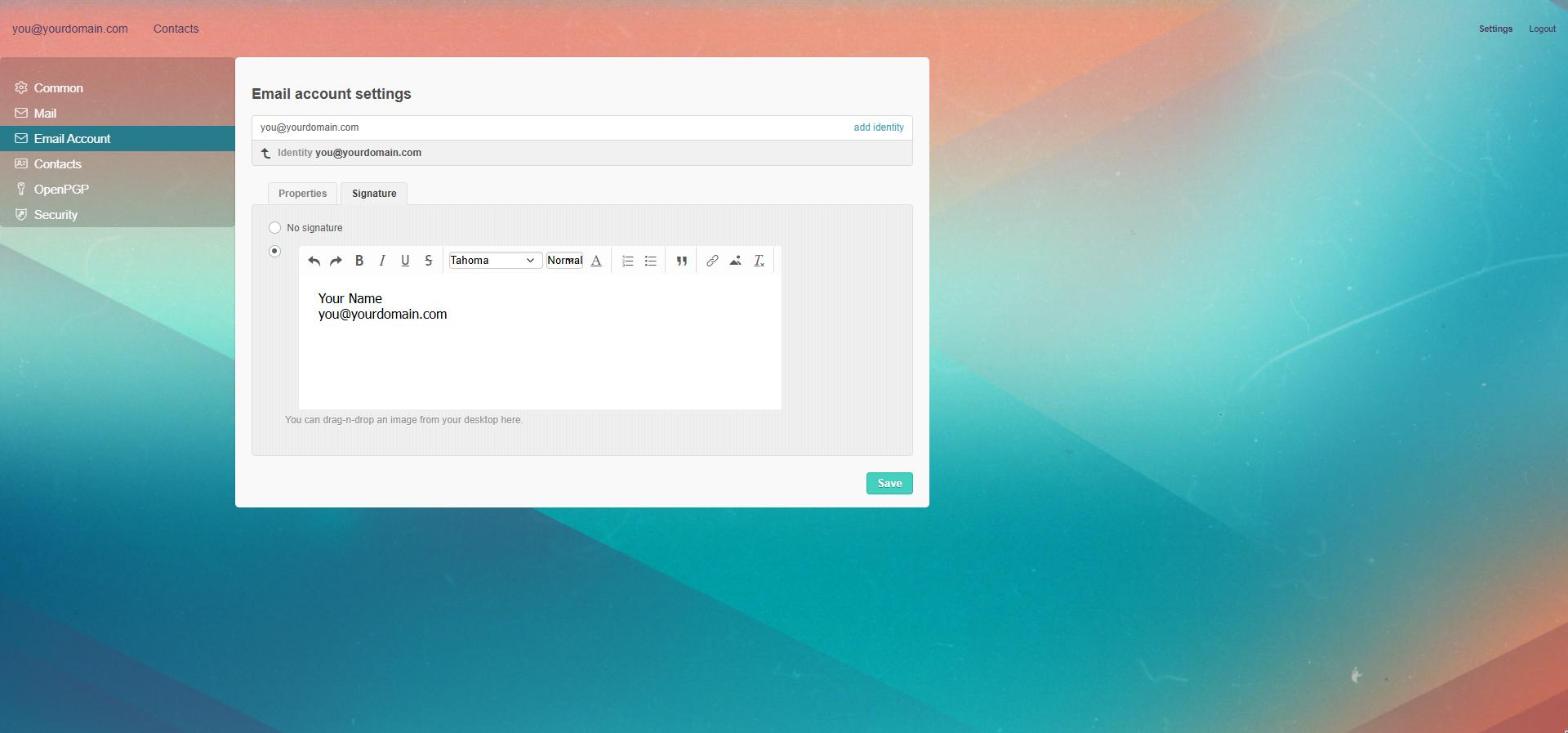
Name and signature: in Settings → Email Account click the Identity line. Write your name in Properties and your signature in Signature, then click Save.
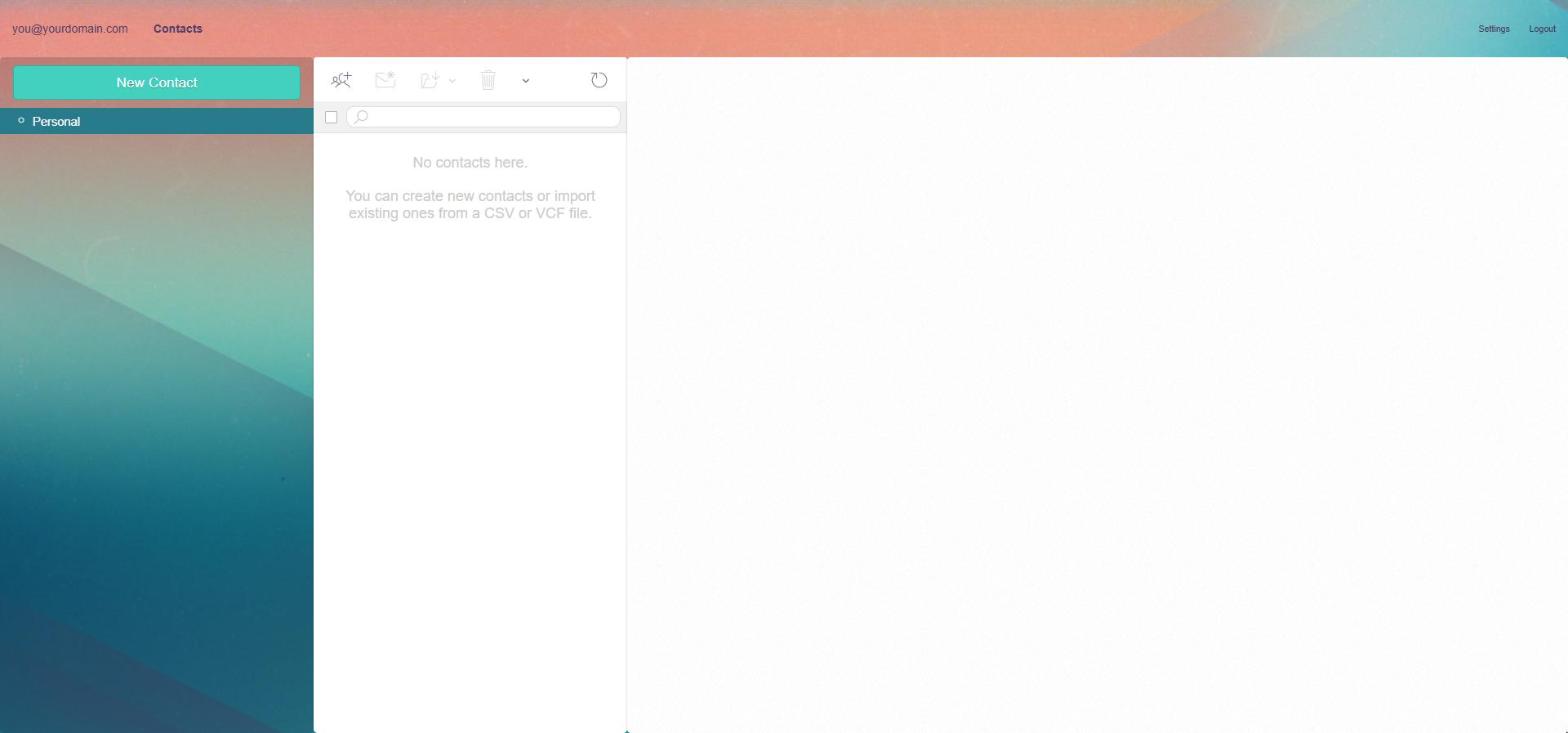
Contacts: click Contacts at the top. Add a contact with New Contact or import a CSV or VCF file. If you used Afterlogic before, your contacts are already there.